

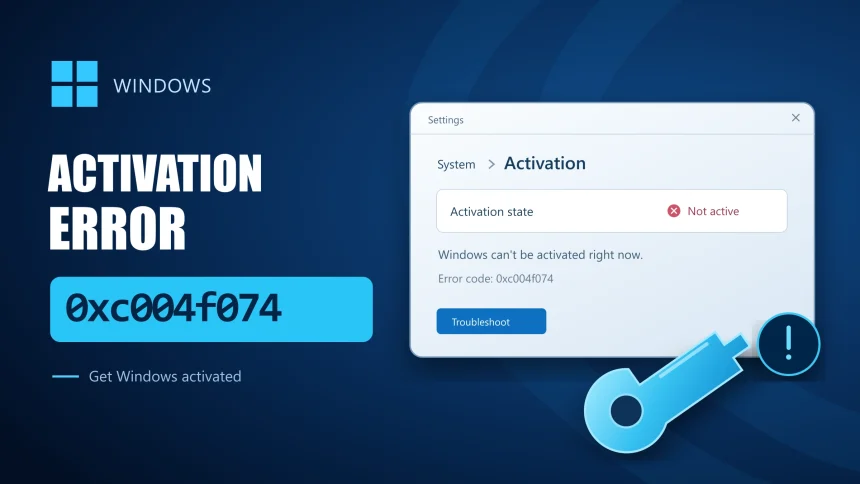
Windows activation error 0xc004f074 usually means Windows could not complete activation through a Key Management Service (KMS). Before changing product keys or running repair commands, check whether this PC is supposed to use your organization’s activation service.
A work laptop that has been away from the company network needs a different approach from a personal PC with an unexpected volume-license configuration. The error can involve network access, the activation host, or time synchronization. It does not automatically mean that you need to buy another license.
Start by recording the full message and your Windows edition. Keep product keys, internal server names, and licensing screenshots private. The steps below apply to Windows activation, not an Office activation error with the same code.
| Your situation | Where to start |
|---|---|
| Work or school PC using organizational activation | Reconnect to the approved network or VPN, then retry |
| Personal PC unexpectedly looking for an organization’s service | Verify the edition and the license supplied with the PC |
| Several company PCs fail at the same time | Ask IT to investigate the activation infrastructure |
| The error changes after troubleshooting | Record the new code and follow its specific guidance |
1. Check the Windows edition and license channel
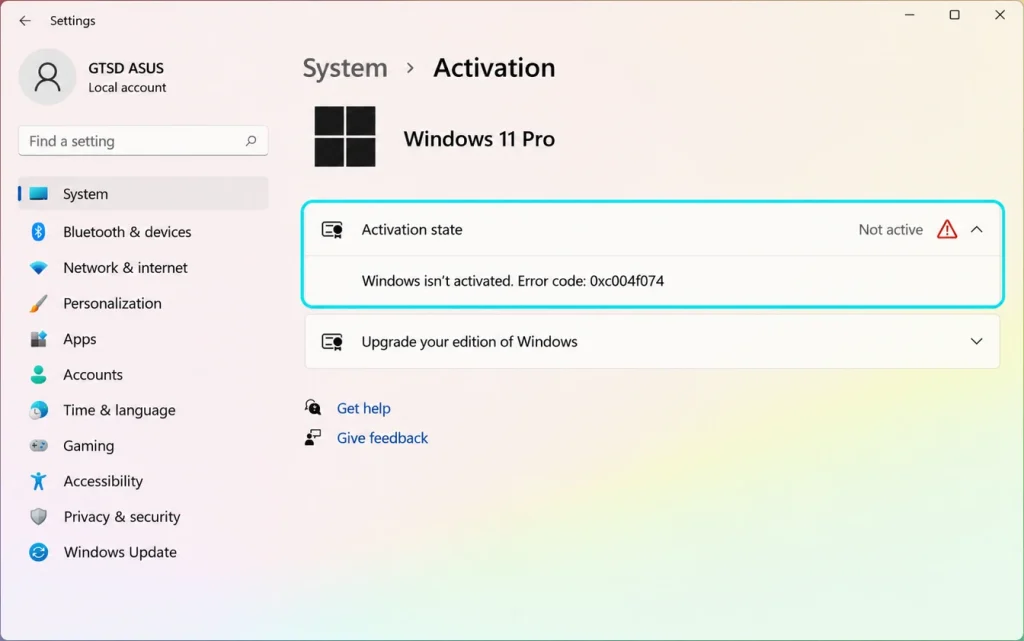
Open Settings > System > Activation in Windows 11. In Windows 10, use Settings > Update & Security > Activation. Note the edition, activation state, and exact error.
To inspect the installed license information, open Command Prompt and enter:
slmgr.vbs /dliThis displays license information without installing a new key. A description containing VOLUME_KMSCLIENT is a useful sign that the installed configuration expects KMS activation. It is not proof that the device has a valid organizational entitlement, so confirm that with the owner or administrator.
For a work or school device: leave the assigned key and activation configuration in place unless IT tells you to change them. Continue with the network checks below.
For a personal device: check the purchase record or contact the seller or manufacturer. If you own a valid key for the installed edition, use Change product key in Activation settings. A digital license must also match the installed edition. Repeated attempts to contact an unrelated KMS server will not resolve an incorrect license setup.
Home and Pro are different editions. If your intended task is an edition upgrade, see our Windows Home-to-Pro guide before changing the installation.
2. Reconnect to your organization’s network
Internet access alone may not provide a route to an internal activation server. A browser can load public websites while the PC still cannot reach the service required by the company.
- Connect to the company network or the VPN approved for this device.
- Complete any required sign-in and check that the connection remains active.
- Ask IT whether that VPN supports access to the organization’s activation service.
- Leave the connection established while you retry activation.
For a built-in Windows VPN profile, open Settings > Network & internet > VPN and select Connect beside the approved profile. Some employers instead require their own VPN application. Use the configuration they provide.
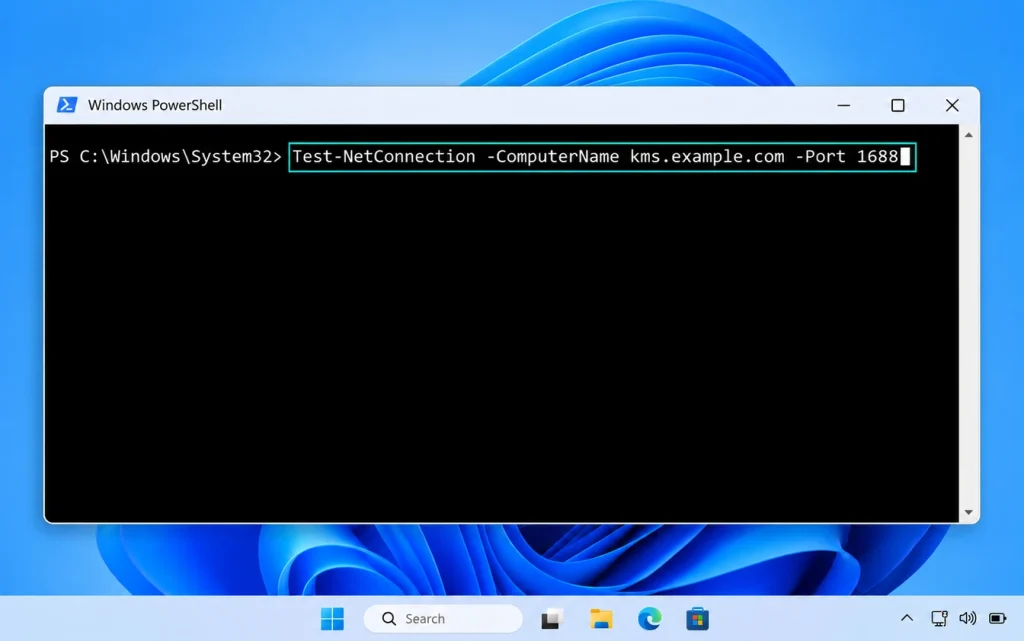
Administrators can test the known KMS host from PowerShell. The following command is an example only:
Test-NetConnection -ComputerName kms.example.com -Port 1688Replace kms.example.com with the actual host supplied by IT. It is a placeholder, not an activation server to use. TCP 1688 is the default KMS port; use the organization’s configured port if it differs.
A failed TCP test is a clue to investigate name resolution, routing, the host, or filtering. A successful TCP connection still does not prove that activation will succeed. Do not turn off security protections or switch to public DNS as a shortcut to reaching an internal service.
3. Correct the system time before activating
An incorrect system clock can interfere with KMS requests. Check the actual date and time, especially after a long shutdown, a firmware reset, or a virtual-machine restore.
- Open Settings > Time & language > Date & time.
- Check that the displayed date and time are correct.
- Use automatic time settings where permitted by the device’s policy.
- If the device is managed, let IT confirm its time source rather than overriding organizational settings.
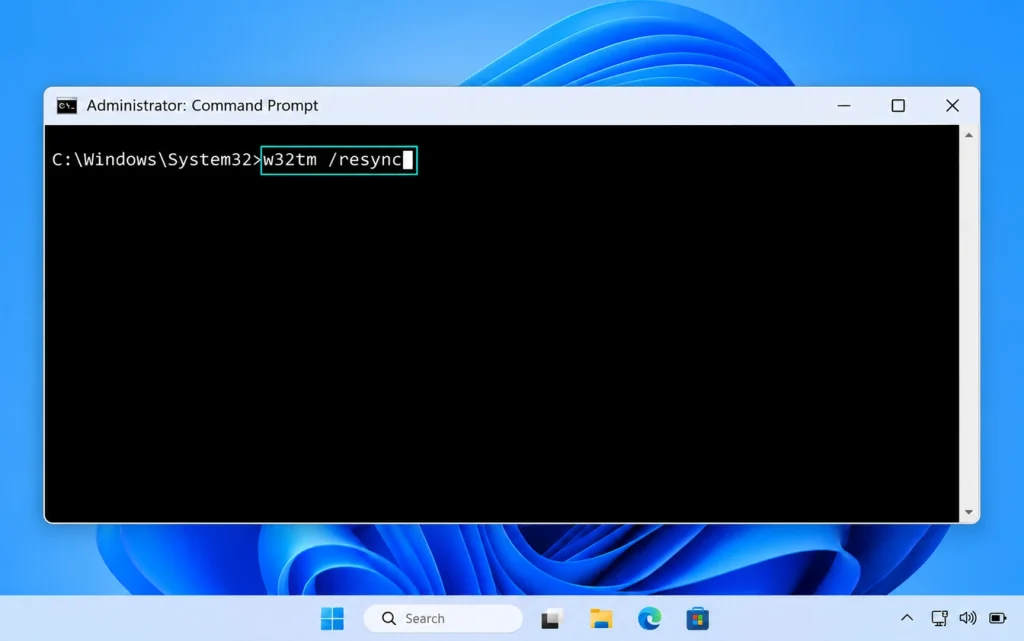
When appropriate for the device, an administrator can request synchronization from an elevated Command Prompt:
w32tm /resyncIf synchronization fails, record the message. Typing the command does not establish that the clock was corrected. The PC may need access to its configured time source before the request can succeed.
Keep the time zone accurate for normal use, but do not change it to imitate the KMS server’s location. KMS time comparisons use UTC, so matching the displayed time zone is not the repair.
4. Retry activation error 0xc004f074 after the checks
Once the license configuration, required connection, and clock have been checked, make a fresh activation attempt. On a managed PC, follow the administrator’s instructions if they specify a particular workflow.
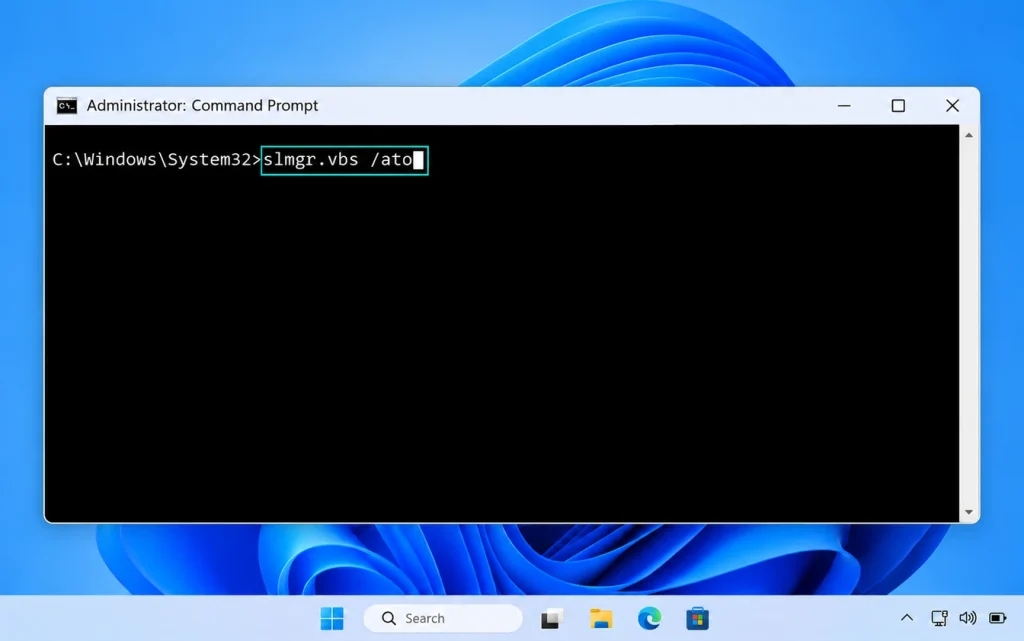
- Save your work and open Command Prompt as administrator.
- Enter the activation command below.
- Wait for the response and record the exact result.
slmgr.vbs /atoThis asks Windows to activate using the installed license configuration. It does not supply a license, change the Windows edition, or repair an unreachable server. Avoid running it repeatedly without changing or diagnosing the condition that blocked the earlier attempt.
For a personal PC with the correct license, you can also use the Windows Activation troubleshooter. Windows 11 provides activation diagnostics through Get Help; some builds also expose a Troubleshoot option on the Activation page.
If the code becomes 0xc004f050, investigate the key and edition match using our error 0xc004f050 guide. If Windows reports that no product key was found, our error 0xc004f213 guide addresses that different condition.
5. Use logs to investigate activation error 0xc004f074
If activation error 0xc004f074 persists, collect evidence from the latest attempt instead of clearing licensing data or trying unrelated repair commands.
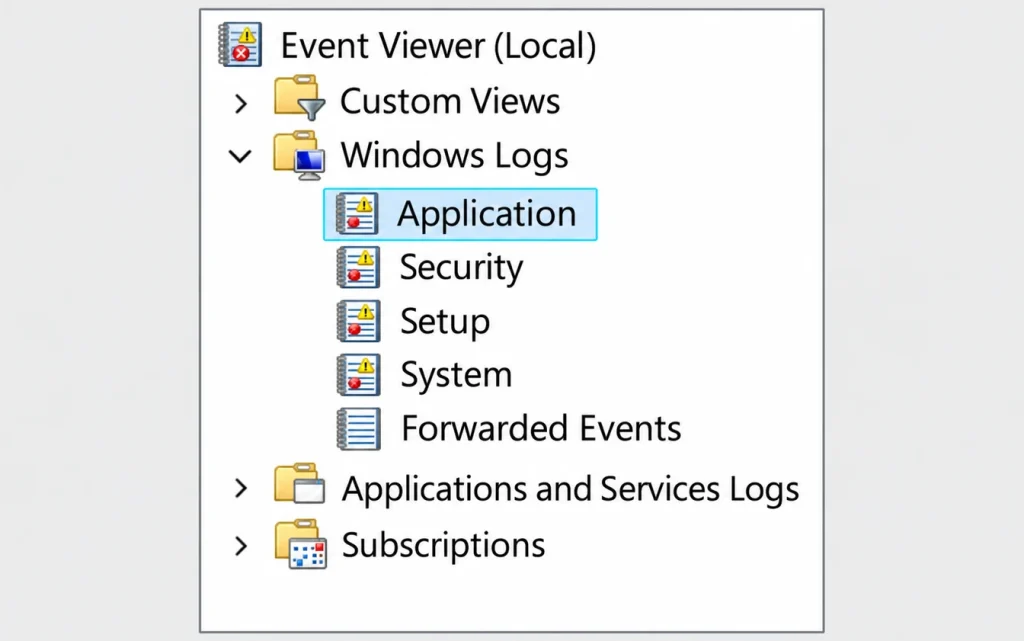
- Press Windows + R, enter
eventvwr.msc, and press Enter. - Expand Windows Logs and select Application.
- Look around the activation attempt’s time for Software Protection events, including event ID 12288 when present.
- Record the event’s error details and provide them privately to the administrator.
IT can use those details to check the intended KMS host, DNS discovery records, connectivity, time alignment, and the host’s Software Protection service. Server-side changes belong with the team managing that infrastructure. A laptop user should not replace the company’s host address with one found online.
Useful information to provide includes the Windows edition, whether the PC is on-site or using VPN, when activation last worked, and the result of the latest retry. Include a connection test only when IT has confirmed the correct host and port.
For a personal PC that should never have used KMS, return to the seller or licensing provider with the purchase details. Resolve the entitlement and edition mismatch rather than installing an activation script. No public KMS address or generic key can substitute for the license your device needs.