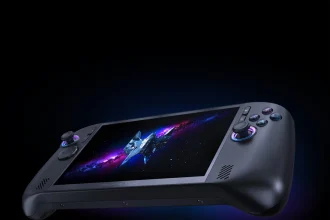


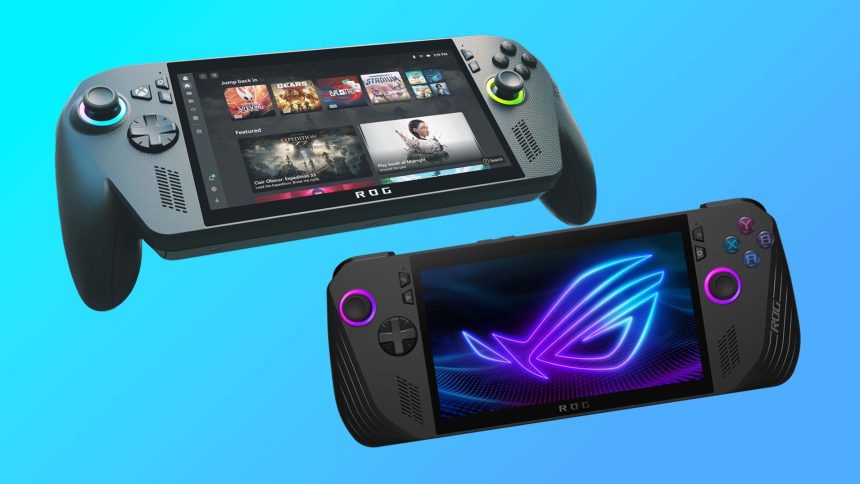
The Xbox Ally X20 vs Xbox Ally X comparison comes down to how much you value a better screen and updated controls. Both handhelds use the same AMD Ryzen AI Z2 Extreme processor, but the X20 adds an OLED display, anniversary styling, and several hardware refinements.
For existing Xbox Ally X owners, similar gaming performance makes upgrading a difficult decision. For first-time buyers, the X20 offers a more premium option, provided the price difference fits your budget.
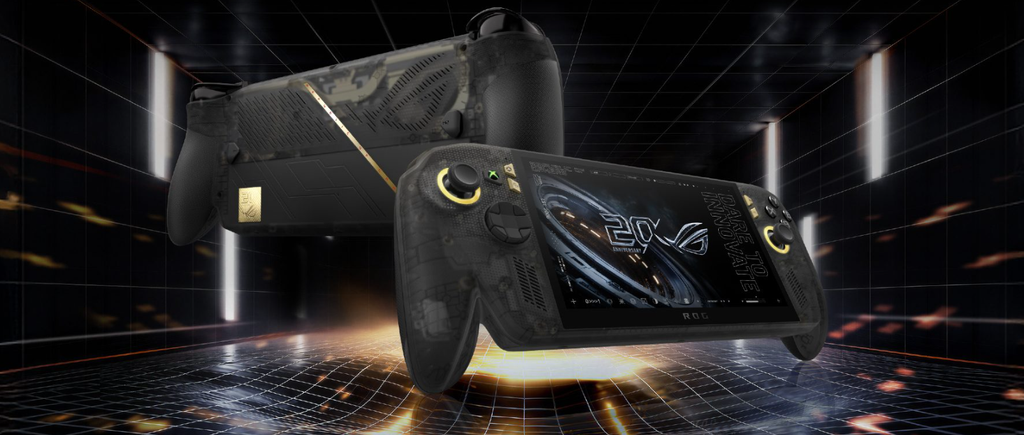
ASUS created the X20 to celebrate 20 years of Republic of Gamers. Its translucent black casing and gold detailing give it a distinctive appearance, while TMR joysticks and a transforming D-pad update the controls.
The bigger change is the 7.4-inch OLED screen, replacing the Xbox Ally X’s 7-inch IPS display. ASUS also lists microSD Express support on the X20.
The useful question is whether those features improve the way you play enough to justify the additional cost.
Xbox Ally X20 vs Xbox Ally X specifications
| Feature | Xbox Ally X20 | Xbox Ally X |
|---|---|---|
| Processor | AMD Ryzen AI Z2 Extreme | AMD Ryzen AI Z2 Extreme |
| Memory | 24GB LPDDR5X-8000 | 24GB LPDDR5X-8000 |
| Storage | 1TB SSD | 1TB SSD |
| Screen | 7.4-inch OLED | 7-inch IPS LCD |
| Resolution | 1920 × 1080 | 1920 × 1080 |
| Refresh rate | 120Hz | 120Hz |
| Battery | 80Wh | 80Wh |
| Weight | 756g | 715g |
The OLED display is the biggest reason to upgrade
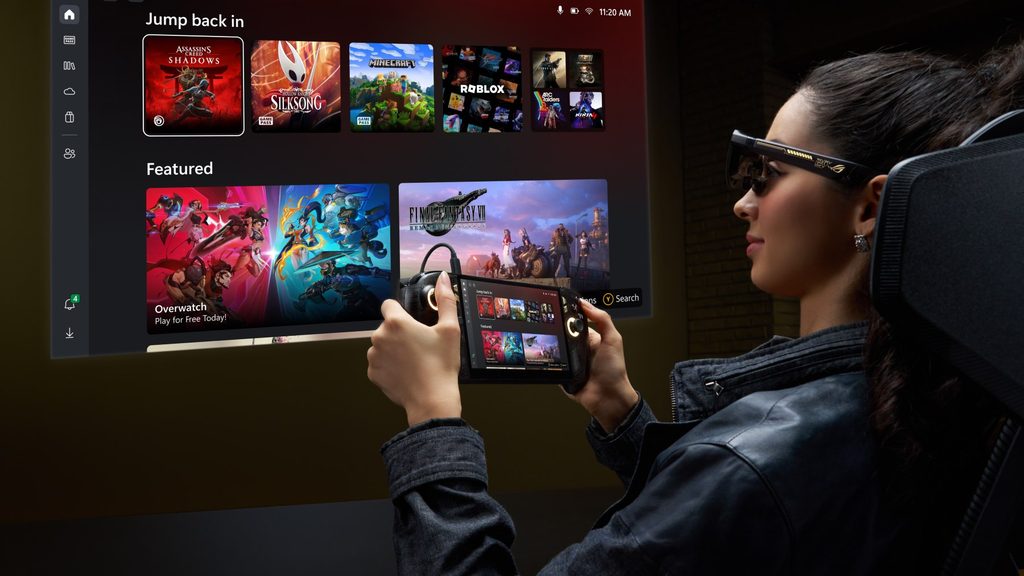
The X20’s screen supports HDR, variable refresh rate, and a claimed peak brightness of 1,400 nits. Peak brightness describes particular conditions rather than sustained brightness across the entire screen.
Both handhelds remain at 1080p and 120Hz. You are paying for a different display experience and a slightly larger viewing area, rather than more pixels.
That makes the screen especially relevant if you usually play directly on the handheld. If most of your gaming happens on an external monitor, consider how often you would benefit from the OLED panel before paying extra.
Gaming performance stays closely matched
PC Gamer’s tests found small differences that varied between games. Its results suggest that the X20 delivers broadly similar frame rates to the Xbox Ally X.
| Game at 1080p Medium | Xbox Ally X20 | Xbox Ally X |
|---|---|---|
| Black Myth: Wukong | 26 FPS | 26 FPS |
| Cyberpunk 2077 | 42 FPS | 41 FPS |
| F1 24 | 85 FPS | 84 FPS |
If your main reason for upgrading is to make demanding games run substantially faster, these results offer little encouragement. Look for tests of your favourite games at matching settings before deciding.
Cooling and battery life need context
PC Gamer recorded lower maximum CPU temperatures on the X20 during its plugged-in gaming tests. Its PCMark gaming battery chart also reported 149 minutes for the X20, compared with 125 minutes for the Xbox Ally X, at 25W.
Those figures describe a particular test, not guaranteed runtime. Both devices have an 80Wh battery, and your experience will depend on brightness, game settings, power mode, and frame-rate limits.
For travel, prioritise tests that resemble your own usage. A demanding game and a lightweight title can place very different demands on the same handheld.
Comfort matters as much as the specification sheet
The X20 weighs 756g, compared with 715g for the Xbox Ally X. Its updated controls may appeal to you, but the additional weight deserves consideration during longer sessions.
Try both devices in person if possible. Check whether your fingers reach the rear buttons comfortably and whether you prefer the D-pad and sticks.
A brief hands-on comparison can answer questions about comfort that photographs and benchmark tables cannot.
Which handheld offers better value?
ASUS announced a $1,299 US starting price for the standalone X20. PC Gamer lists the Xbox Ally X’s reference price at approximately $1,000, creating a roughly $300 gap before discounts and regional differences.
| Your priority | The model to consider |
|---|---|
| OLED display and anniversary styling | Xbox Ally X20 |
| Similar gaming performance at a lower price | Xbox Ally X |
| Lower handheld weight | Xbox Ally X |
| Updated controls and microSD Express | Xbox Ally X20 |
For an existing Xbox Ally X owner, keeping the current device is the more sensible choice unless the display is a specific frustration.
For a first-time buyer, compare the actual checkout prices. Choose the X20 if its screen and controls justify the premium for you. Choose the Xbox Ally X if saving that money matters more than the refinements.