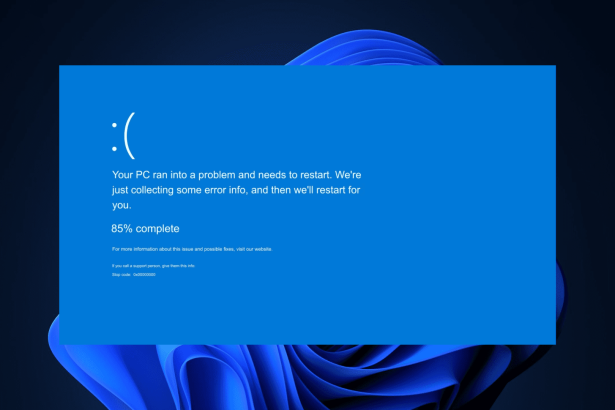


The Memory Management blue screen can interrupt a game, close your work, or leave your Windows 11 PC restarting repeatedly.…

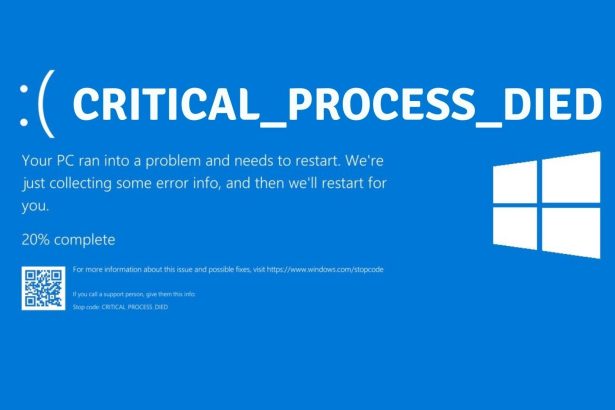
Critical Process Died in Windows 11 means an essential Windows process has stopped unexpectedly. Its technical stop code is CRITICAL_PROCESS_DIED,…
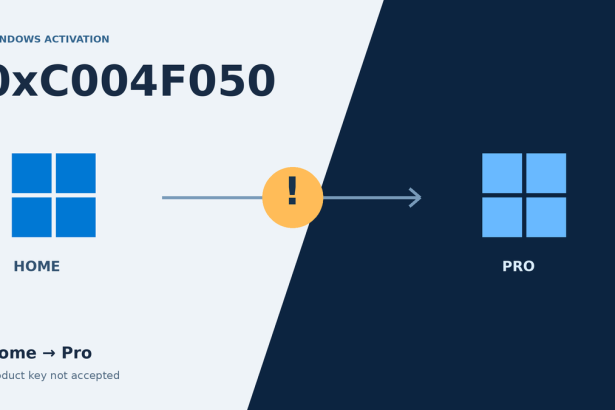
To fix error 0xc004f050 when upgrading Windows Home to Pro, start by checking your installed edition and activation state. Windows…
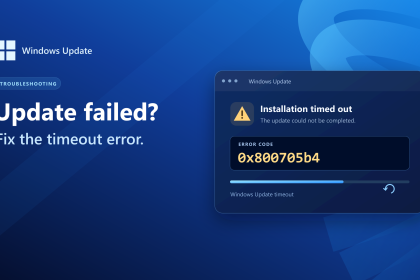
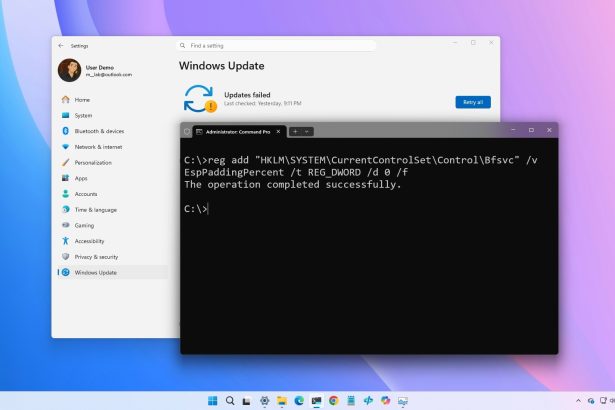
Windows Update error 0x80070005 means access was denied while Windows tried to install an update. The update process may be…
Knowing how to back up and restore the Windows Registry gives you a recovery option before changing system settings. A…
Learning how to secure your email account protects more than your inbox. Your email often receives password resets, purchase confirmations,…
You may need to disable Credential Guard in Windows 11 when troubleshooting an application that depends on older authentication methods.…
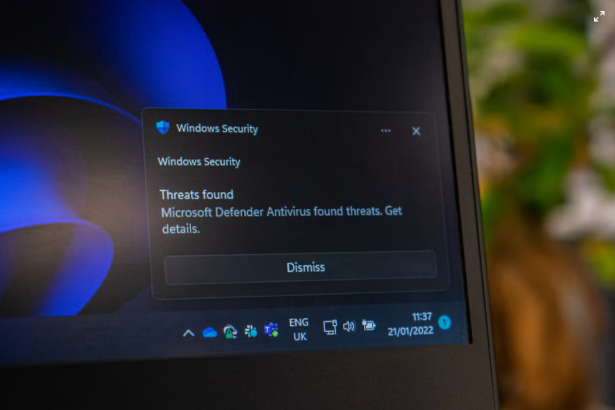
Windows Defender Quick Scan not working can mean several things: the scan button does nothing, Windows Security will not open,…
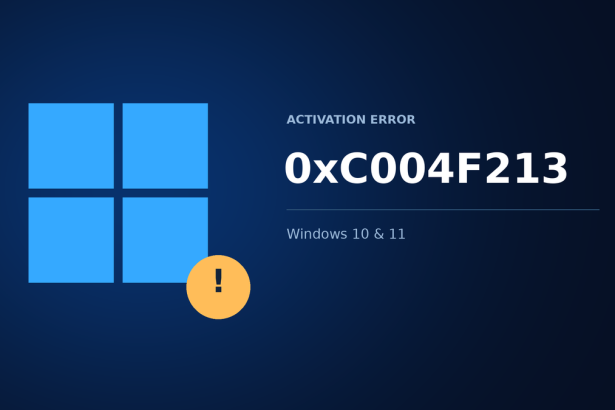
Windows activation error 0xc004f213 means Windows reports that no product key was found on your device. It can appear after…
A WhatsApp username gives you another way to share your contact details without handing out your phone number. You can…