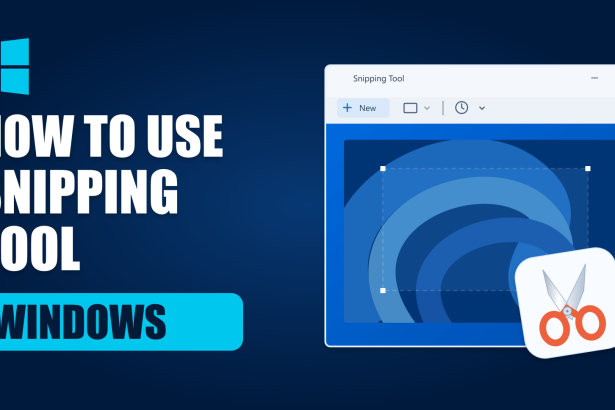


Learn how to use Snipping Tool on Windows to capture screenshots, add a delay, crop and annotate, copy text, save…

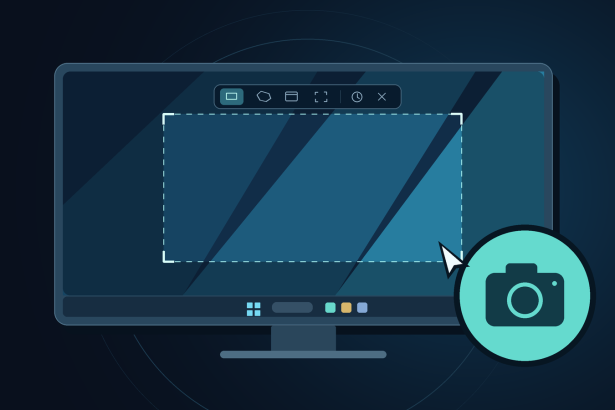
Take a screenshot on Windows 11 or Windows 10 using Snipping Tool, Print Screen, and keyboard shortcuts. Find saved captures…
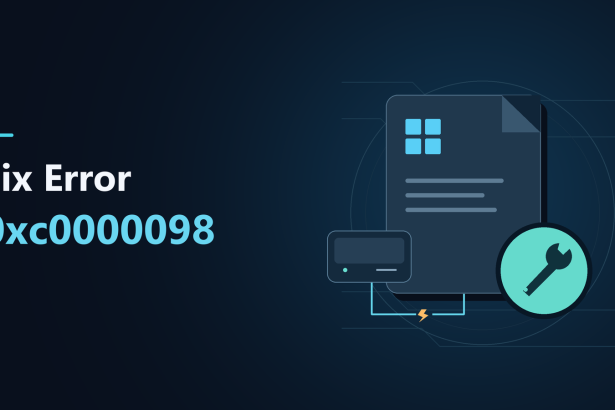
Fix BCD error 0xc0000098 with Startup Repair, verified Windows and EFI partition checks, BCDBoot commands, and recovery steps for a…
Fix a Windows 11 black screen with a cursor using Explorer restart, display checks, Safe Mode, graphics driver rollback, and…
Your PC turns on, the loading dots appear, and Windows never reaches the sign-in screen. Restarting brings you back to…
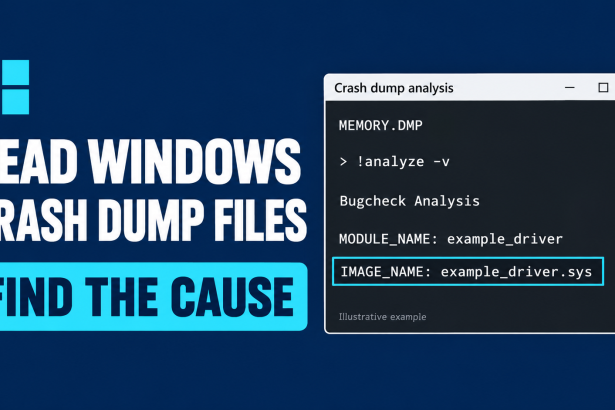
When Windows 11 or Windows 10 crashes with a blue screen (BSOD), it may create a crash dump file containing…
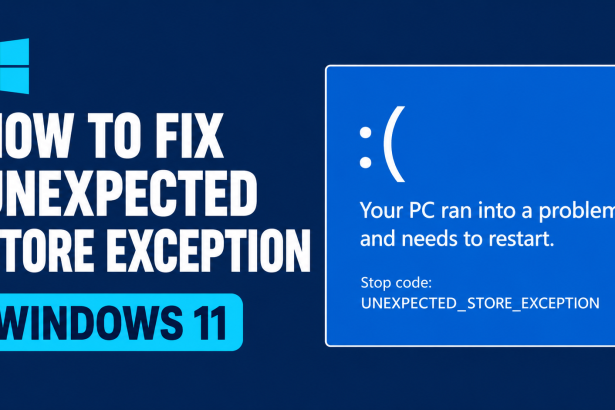
The Unexpected Store Exception error is a Windows 11 blue screen (BSOD) that causes your computer to crash or restart…
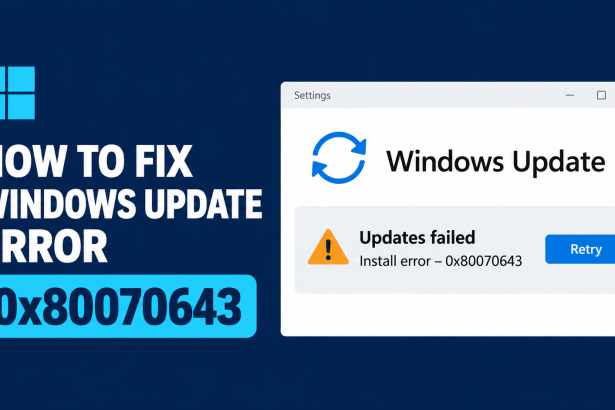
Windows Update error 0x80070643 appears when Windows 11 or Windows 10 fails to install an update. The error usually indicates…
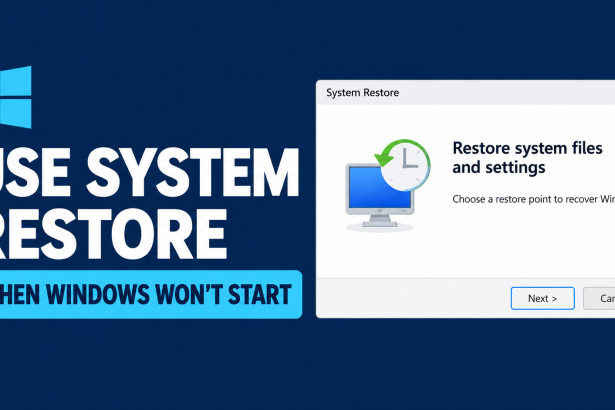
When Windows 11 or Windows 10 fails to start, System Restore can help recover your computer without deleting personal files.…
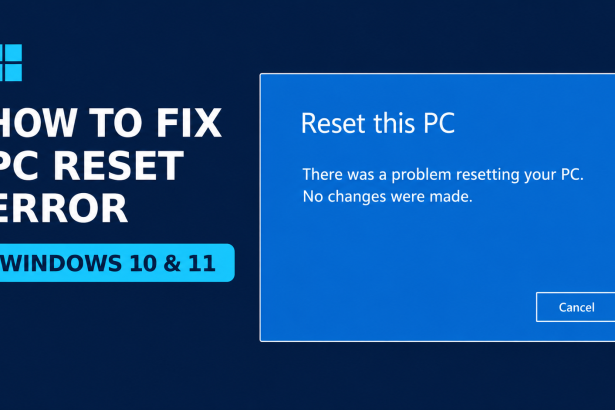
The “There Was a Problem Resetting Your PC” error appears when Windows cannot complete a system reset. It may also…