

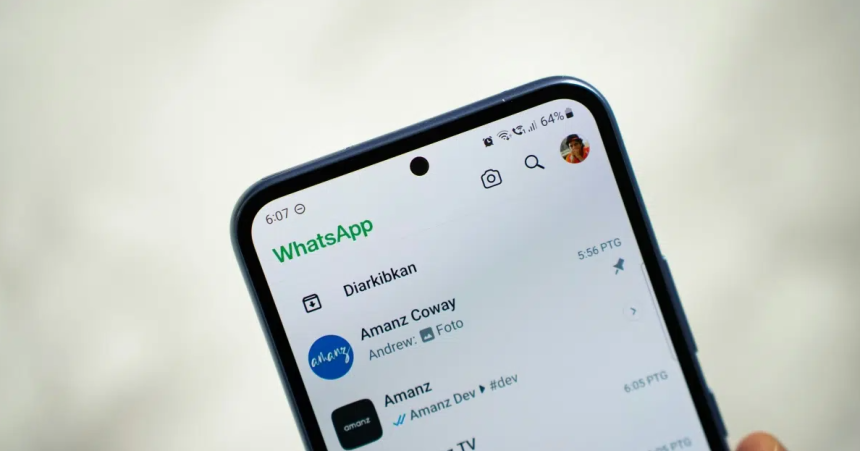
A WhatsApp username gives you another way to share your contact details without handing out your phone number. You can choose a unique name, share it with someone you want to hear from, and use the feature when it becomes available for your account.
WhatsApp announced username reservations in June 2026, ahead of a gradual rollout. Reserving a name and being able to use it for messaging are separate stages, so check the information shown inside your app before sharing it.
Here is where to look, how to choose a suitable name, and what the privacy changes mean.
How to reserve your WhatsApp username
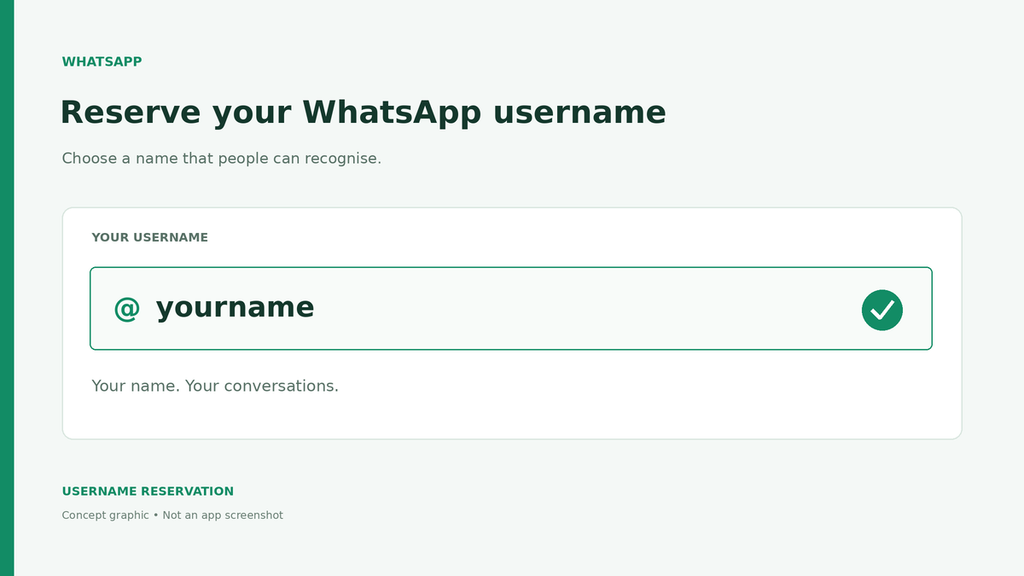
On an Android phone with the option available:
- Open WhatsApp.
- Select Settings → Account → Username.
- Choose Create username, if prompted.
- Enter your preferred name.
- Follow the availability checks and confirmation prompts.
WhatsApp confirms the Settings → Account → Username route in its announcement. On iPhone, the reported route is You → your profile → Create Username. The layout may vary with your app version.
Before confirming, read the name carefully. A spelling mistake is easy to miss on a small screen, especially when your preferred choice requires a variation.
Choose a name that suits how you use WhatsApp
For personal use, choose something you are comfortable sharing with new contacts. Avoid including information you would rather keep private, such as your full date of birth.
For a business, think about how the name will sound when spoken aloud. Customers should be able to understand it without asking which letters are numbers or where punctuation belongs.
Prepare two or three alternatives before starting. That makes the process easier if your first choice is unavailable.
WhatsApp also says eligible creators, businesses, and organisations have an option to claim their existing Instagram or Facebook username. Follow the in-app process rather than assuming the same name is automatically yours across every Meta service.
How to change your WhatsApp username
To update an existing reservation, return to the username section and look for Edit. TechCrunch reports that the same menu also provides an option to delete the username.
Before changing it, consider where you have shared the old name. Keep a short list of any profile pages, contact cards, or business materials that may need updating.
Check the confirmation screen for any restrictions or availability messages. Do not assume a previous name will remain available after you release it.
What a WhatsApp username changes about privacy
WhatsApp says usernames are designed to let people start new conversations without exposing their phone number. There is no public username directory to browse, and someone needs your exact username to contact you. An optional username key adds another requirement before a new person can message you.
That does not mean people who already know your number will forget it. The Verge reports that existing contacts and group conversations that already have your number retain that visibility.
Think of the feature as another contact-sharing choice. Decide who needs your phone number and who only needs a way to reach you.
Why the username option may be missing
WhatsApp announced a gradual rollout and said users would receive an in-app notification when usernames became available in their country. Consequently, seeing instructions online does not confirm that your account has access.
Check for an update through your phone’s official app store, then inspect the account or profile settings again. If the option is still absent, avoid repeatedly reinstalling the app just to make the menu appear. Once you can reserve a name, save the confirmation and check its status before publishing it elsewhere.